
3.5 Bottom Parameter Bar
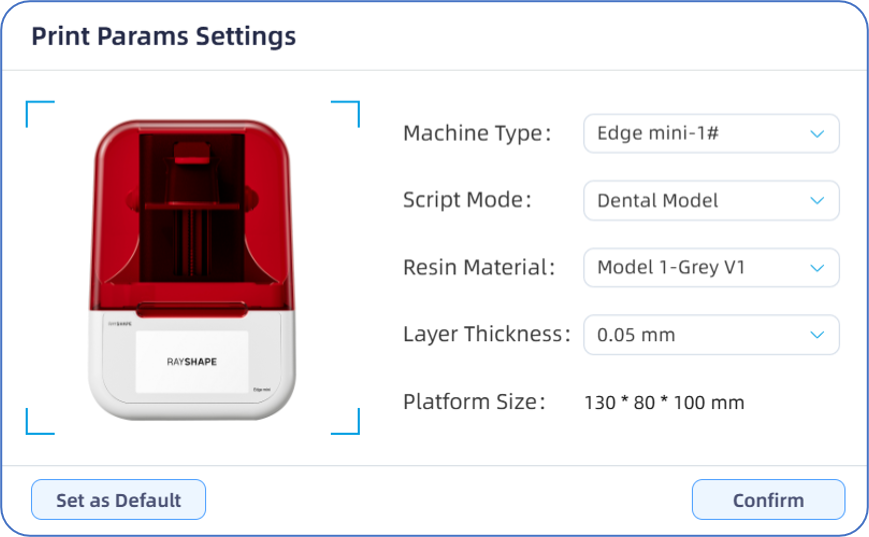
The bottom parameter bar is divided into the "Optional Parameter Bar" and the "Information Display Bar". Among them, "Machine", "Script", "Resin", and "Thickness" are selectable items, while "Layers", "Period", and "Weight" are display-only items.

-Clicking any item in the Optional Parameter Bar will pop up the "Print Parameter Settings" dialog box, where users can set or modify print settings.
-Layers display, the number of layers is directly related to the Z-direction height value when placing the model and the selected layer thickness.
-Period display, the estimated time is directly related to the (including movement time, exposure time, etc.) This value is an estimate, and the actual time consumed may have slight deviations.
-Weight display, the estimated weight is directly related to the model volume and material density. This value is an estimate of resin, and the actual resin consumption may have slight deviations.